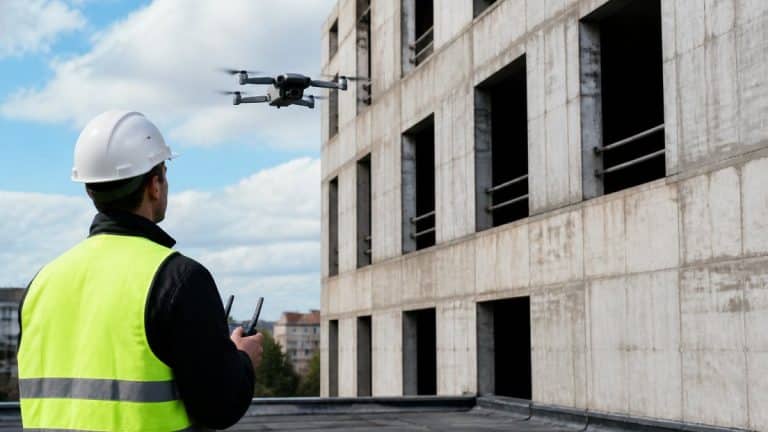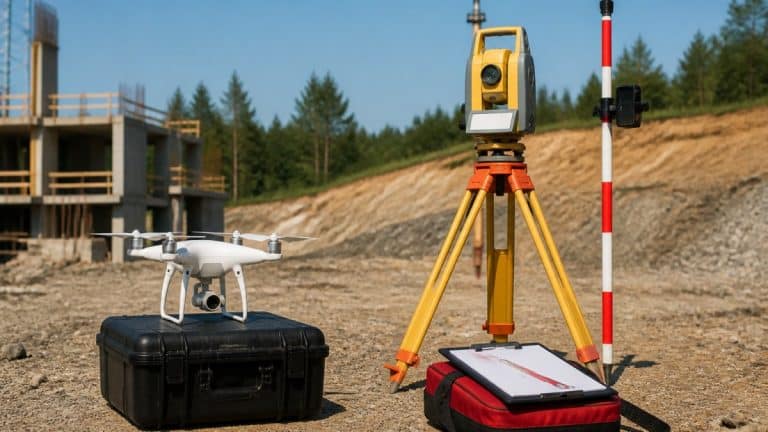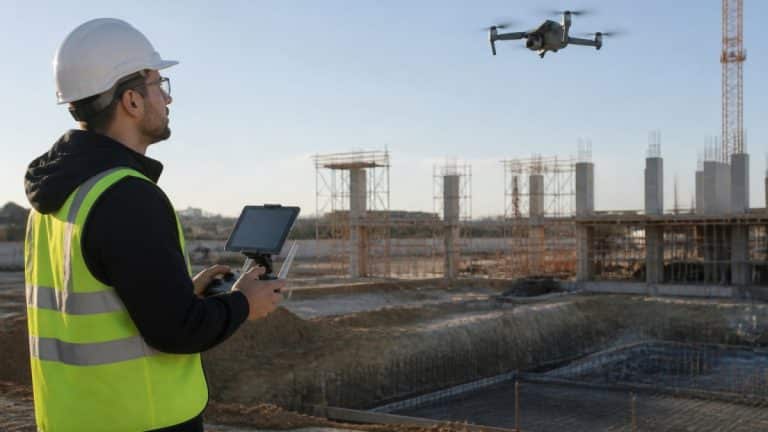
5 Steps to Verify Subcontractor Work and Ensure Compliance
Last Updated: October 26, 2026
Quick Summary
To verify subcontractor work, collect insurance certificates, licenses, and safety training documentation before work begins, use compliance software to track expiration dates automatically, conduct drone inspections to document progress objectively, perform weekly field safety inspections with photo evidence, and maintain a complete audit trail of all verification activities.
- Build a prequalification checklist covering licenses, insurance certificates of insurance, and required safety training certifications before crews arrive.
- Use compliance software to centralize documents, set expiration alerts at 60, 30, and 7 days before expiration, and block site access if required items lapse.
- Schedule weekly field inspections with time-stamped photos, location data, and documented corrective actions tied to specific code or safety standards.
- Assign each finding to a named person with a specific deadline and require photo evidence of closure before marking the corrective action complete.
- Store all prequalification documents, inspection records, corrective actions, and final approvals for at least seven years to defend against future disputes.
Table of Contents
- Why Verifying Subcontractor Work Matters for Site Safety
- Step 1: Build a Subcontractor Verification Checklist Before Work Begins
- Step 2: Use Subcontractor Compliance Software to Track Documentation
- Step 3: Conduct Drone Inspections for Construction Sites to Document Progress
- Step 4: Perform Construction Site Safety Inspections in the Field
- Step 5: Create an Audit Trail and Close Out Compliance Records
- Getting Started with High-Precision Site Inspections
- Frequently Asked Questions
Why Verifying Subcontractor Work Matters for Site Safety
When subcontractors arrive, you need confidence they’re qualified, insured, and trained to work safely. Failing to verify subcontractor work creates safety risks, compliance violations, and delays.
Poor verification creates blind spots: a general contractor can’t be everywhere, manual inspections miss details, and paper trails get lost.
This guide covers five steps to verify subcontractor work and ensure compliance before, during, and after each job.
Step 1: Build a Subcontractor Verification Checklist Before Work Begins
Safe, compliant work starts before the first crew arrives. A verification checklist ensures you collect the right information upfront and catch problems early.
Your checklist should cover credentials, insurance, and safety training: licenses confirm qualifications, insurance protects your project, and training reduces incidents.
Create a reusable digital checklist with fields for name, company, trade, start date, and expiration dates, and share it with your team.
Insurance and License Documentation
Before work starts, collect and verify a certificate of insurance (COI) and current licenses.
Licenses vary by trade and state. Electricians, plumbers, HVAC contractors, and most general contractors need state licenses. Verify each against the state licensing board’s database, since a claimed license could be expired, suspended, or revoked.
Store copies in a centralized system with collection and expiration dates, and set reminders to request renewals before expiration.
Safety Training and Certifications
Training requirements depend on your project type and local regulations. OSHA requires certain construction training, and some projects need certifications like fall protection, confined space entry, or hazmat handling.
Verify that subcontractors completed required training and can provide proof. Certificates should show the training type, completion date, and expiration date.
Document each subcontractor’s training and use it to assign tasks.
Step 2: Use Subcontractor Compliance Software to Track Documentation
Manual tracking creates chaos: spreadsheets go stale, emails get lost, paper files get misplaced. Compliance software centralizes documentation, but the tool you choose determines whether verification actually happens.
What Good Compliance Software Must Do
At minimum, the system should let you upload documents, set expiration alerts, and generate audit reports.
The software should also standardize onboarding with a repeatable intake process where new contractors complete a questionnaire and upload documents the system checks against your requirements.
Look for software that integrates with your project management tools. The easier compliance is, the more consistently your team will do it.
A Weighted Scorecard for Comparing Software
Use a simple weighted scorecard so the decision is defensible and repeatable. Score each vendor from 1 to 5 on the criteria below, multiply by the weight, and total the results.
| Criterion | What to Evaluate | Suggested Weight |
|---|---|---|
| Verification depth | COI limits and endorsements, license lookup, training certificate capture, expiration logic | 25% |
| Mobile usability | Field check-in, photo capture, offline mode, signature collection on a phone or tablet | 20% |
| Integrations | Connections to project management, accounting, scheduling, and identity or single sign-on | 15% |
| Audit trail | Time-stamped records, user activity logs, exportable reports, retention controls | 20% |
| Support and onboarding | Implementation help, training, response times, documented SLAs | 10% |
| Total cost of ownership | Subscription, implementation, storage, and internal admin time | 10% |
Weights should reflect your project mix: heavy field operations should raise mobile usability, and frequent audits should raise verification depth and audit trail. Document the scores and rationale in case a regulator or owner asks why you chose a system.
A Document-Tracking Workflow That Holds Up
Software only helps if the workflow behind it is consistent. A pattern that works:
- Intake. The subcontractor submits a COI, licenses, and training certificates through a portal or standardized form. The system checks each item against your requirements and flags missing or expired items automatically.
- Verification. A designated reviewer confirms coverage limits, endorsements, license status against the state licensing board, and training completion dates. The reviewer marks each item verified or rejected with a note.
- Expiration management. Set alerts at 60, 30, and 7 days before expiration. Assign the renewal request to a named person, not a shared inbox. Escalate to the project manager if the item lapses.
- Site access gate. Tie site check-in to compliance status. If a required document is expired, the system blocks or flags the crew at arrival. This is the step most manual processes miss.
- Closeout. Export a complete record for the project file: initial documents, verification notes, renewal history, and final status.
An expired certificate of insurance is the most common compliance failure. Build the expiration alert into the workflow, not into someone’s memory.
Total Cost of Ownership
Compare total cost of ownership rather than sticker price. Include subscription fees, implementation, storage overages, and the internal admin hours required to run the system. A lower subscription with heavy manual admin can cost more than a higher one that automates intake and reminders. Ask each vendor for a written implementation plan and a sample audit report before you commit.
What to Ask Before You Buy
- Can the system verify COI limits and endorsements, or does it only store the PDF?
- Does it check license status against state licensing board data, or is that manual?
- Can field staff check in a crew and capture photos and signatures on a phone?
Step 3: Conduct Drone Inspections for Construction Sites to Document Progress
Once work begins, you need an objective way to verify subcontractor work is progressing correctly.
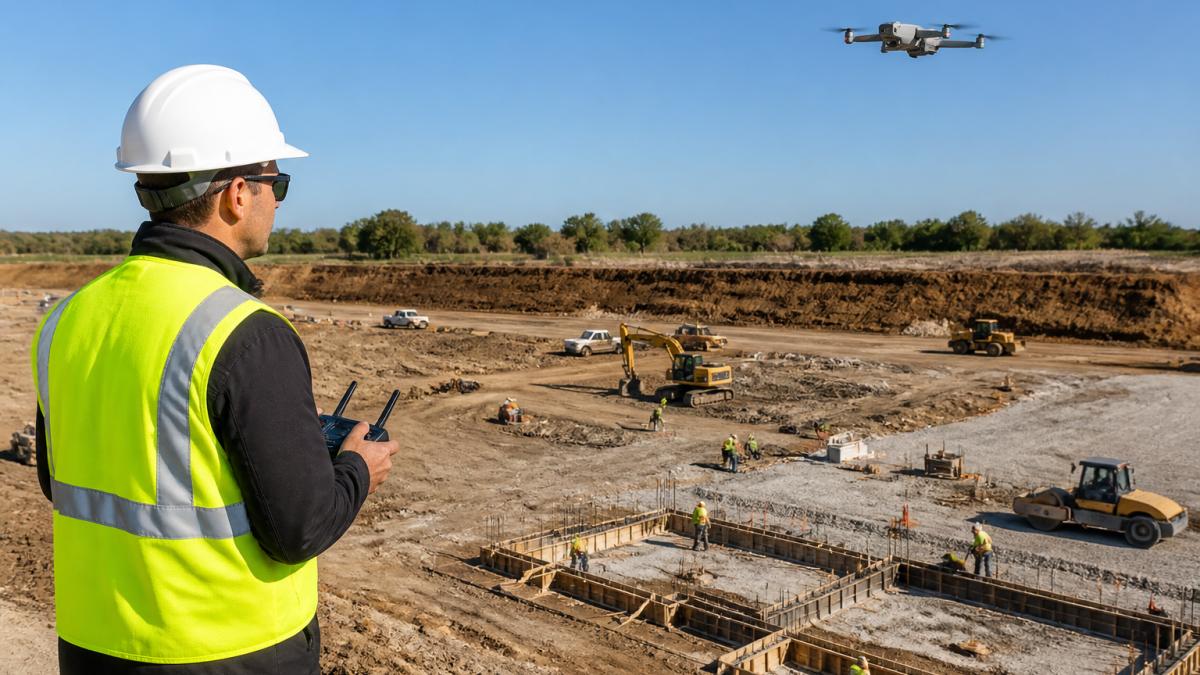
Drone inspections document what was actually built versus what was planned.
SkyeTech Aerial uses centimeter-level accuracy with drone photogrammetry and LiDAR to create 3D models of your site showing exactly what’s completed and what remains.
Regular drone inspections also create a time-stamped record of progress. This documentation protects you if disputes arise about work quality or timeline. FAA Part 107 regulations require that drone operations meet strict safety standards, and SkyeTech Aerial conducts all flights to these standards with FAA-certified pilots.
Learn more about how building inspections with drones work and the benefits of drone site monitoring.
Step 4: Perform Construction Site Safety Inspections in the Field
Drone data captures what was built, but field inspections verify how work is done and whether crews follow safety protocols.
Schedule field inspections weekly for active projects and more often for high-risk work.
An inspection that produces a photo and a verbal warning isn’t defensible; one that produces a time-stamped record, a named owner, a deadline, and proof of closure is.
Field Inspection Evidence Standards
Capture every finding the same way so the record holds up in an audit or dispute. A practical standard:
- Time-stamped photos. Capture the condition, the location, and a wider context shot. Most field apps stamp date, time, and GPS coordinates automatically. If yours does not, note them manually.
- Location data. Record the building, floor, grid line, or area. “Second floor, north elevation” is usable; “somewhere on site” is not.
- Checklist reference. Tie each finding to a specific checklist item or standard so the observation is objective, not a matter of opinion.
Take a wide shot and a close-up for every finding. The wide shot shows context; the close-up shows the condition. Together they answer the two questions an auditor asks: where was it, and what was wrong?
Task-Level Verification and Corrective Actions
Beyond general safety, verify each task is done correctly. Check that electrical conduit meets code for spacing, support, and routing; that waterproofing coverage and thickness are adequate; and that concrete finishing and curing procedures are followed.
When you find a deficiency, document it and assign a corrective action. A corrective-action record should include:
- Finding. What was wrong and where.
- Standard. The code, specification, or safety requirement it violates.
- Owner. A named person at the subcontractor, not a company name.
Follow up to confirm the fix. If the deadline passes without evidence, escalate to the project manager and, for repeat or high-risk findings, to the general contractor’s safety lead.
Corrective-action tracking is the proof of remediation. A finding without a closure record is an open liability.
Role-Based Responsibilities
Inspections run smoother when everyone knows their part. A common division:
| Role | Before Inspection | During Inspection | After Inspection |
|---|---|---|---|
| General contractor | Confirm subcontractor compliance status and site access | Review high-risk findings and escalation decisions | Approve closures and update project records |
| Project manager | Schedule inspection and assign inspector | Accompany inspector on high-risk areas | Assign owners and deadlines, track overdue items |
| Safety team | Maintain checklist and standards | Conduct inspection and capture evidence | Verify remediation and close findings |
| Subcontractor | Ensure crew and documents are ready | Acknowledge findings and assign a crew lead | Complete corrective actions and submit evidence |
Clarify these roles at the preconstruction meeting. The most common failure is a finding everyone saw and no one owned.
Visual Inspection and Photo Documentation
During a field inspection, walk the site systematically.
Take photos during inspections. They create a record of what you observed and give you evidence to show subcontractors what needs to change; a photo of improper scaffolding is more persuasive than a verbal complaint.
Store inspection photos in your compliance system alongside your notes, with the date, location, and specific findings.
Keep corrective action records in your project file. They show you actively managed quality and safety and demonstrate due diligence if disputes arise.
Step 5: Create an Audit Trail and Close Out Compliance Records
When a subcontractor’s work is complete, perform a final verification that all work meets specifications and compliance requirements, and document the closeout.
Your audit trail should include:
- Initial prequalification documents (insurance, licenses, training certificates)
- Inspection records and photos from each visit
- Any corrective actions assigned and completed
This record proves you followed a systematic process to verify subcontractor work and ensure compliance.
Store closeout records for at least seven years. Construction disputes and regulatory investigations can take years to resolve, and detailed records give you the best defense.
Explore how to plan and track construction progress systematically for the full workflow from planning through closeout, and learn how drone-based progress tracking supports this process.
Getting Started with High-Precision Site Inspections
Verifying subcontractor work requires a system: collect the right documents upfront, track them systematically, inspect progress objectively, and maintain detailed records.
SkyeTech Aerial helps construction managers and project teams implement this process using high-precision drone imagery and data.
When you need to verify subcontractor work and ensure compliance, contact SkyeTech Aerial for a free quote to discuss how drone-based site inspections can support your project verification and compliance documentation process.
A verification system that documents progress automatically, flags compliance issues early, and creates an audit trail without adding administrative burden lets you focus on building safely and on schedule.
| Verification Step | Purpose | Key Action |
|---|---|---|
| Prequalification checklist | Confirm credentials before work starts | Collect insurance, licenses, training certificates |
| Compliance software | Track documents and set expiration alerts | Centralize records and automate reminders |
| Drone inspections | Document progress objectively | Capture aerial imagery to verify work against specifications |
| Field safety inspections | Verify proper execution and safety practices | Photograph conditions and assign corrective actions |
| Audit trail and closeout | Prove compliance was verified | Store complete records for dispute resolution and regulatory defense |
Frequently Asked Questions
What records should a subcontractor provide before starting work?
Before work begins, subcontractors must provide proof of insurance (certificate of insurance), valid licenses for their trade, worker safety training certifications, and W-9 documentation for payroll. Many firms also require background checks and references. A subcontractor verification checklist ensures nothing is missed and creates a centralized record for compliance tracking.
How often should subcontractor work be inspected?
Inspection frequency depends on project scope and risk level. High-risk tasks like roofing or electrical work warrant daily or per-task inspections. Standard construction work typically requires weekly inspections or at task completion milestones. Drone inspections for construction sites allow frequent progress checks without disrupting work, making it easier to catch errors early and verify compliance continuously.
Can I pay a subcontractor without verifying them?
Legally and operationally, no. Unverified subcontractors create liability exposure, insurance gaps, and safety risks. Most general liability policies require proof of subcontractor insurance and licensing. Verification also protects your firm from liens, regulatory violations, and workplace incidents. Subcontractor compliance software automates this verification process and maintains an audit trail for audits and disputes.
How can drones help document construction site safety and compliance?
Drones provide overhead perspective that ground-level inspections miss, capturing overall site conditions, equipment placement, material storage, and worker spacing. High-resolution aerial imagery creates objective documentation of compliance status and safety conditions at specific dates and times. This evidence supports corrective-action tracking, reduces downtime disputes, and provides proof of due diligence if incidents occur.